


01 / 7 seconds
Passport scan & removal
Where the passport goes, and how it is removed.


Rockwell Collins / ARINC · 3D modelling, animation & airport visualisation

Now part of Collins Aerospace
Complex equipment.
Simple, visible steps.
From a passport placed on a scanner to a complete check-in hall, we brought airport self-service into focus.
Our work for ARINC and Rockwell Collins combined detailed 3D modelling, passenger instruction animations and visualisations of kiosk configurations in terminals around the world.
Watch the work ↓
The commission
Help people understand what to do next.
Initially contracted by ARINC, which was acquired by Rockwell Collins, we were asked to animate the processes used by airport self-service check-in machines. We modelled the equipment and showed the actions clearly, step by step.
Those animations were used on machines installed in airports around the world. Alongside them, we recreated terminal environments in 3D to show how different kiosk styles could be configured within existing buildings.
Two connected challenges: explain the equipment to the passenger, and show the installation concept to the client.
01 / Passenger instruction animations
Show the action. Make the process visible.
A scanner, a print slot, a baggage tag: familiar objects can still need careful explanation. Our animations isolate the relevant part of the machine and show how the passenger interacts with it.
Different models and formats called for different views. Close-ups make small actions legible; wider shots explain where the bag or passenger belongs.
Select a film below to play. Original portrait and landscape formats are preserved.
01 / 7 seconds
Where the passport goes, and how it is removed.
02 / 14 seconds
Showing both paper and mobile boarding passes at the reader.
03 / 5 seconds
The printed pass emerges from the machine.
04 / 6 seconds
Locating the printer and following the tag as it emerges.
05 / 11 seconds
A close view of a small but important physical task.
06 / 11 seconds
Moving from the whole unit to the scanner detail.
07 / 6 seconds
Showing the bag in relation to the complete machine.
08 / 7 seconds
An alternative instruction for the position of the bag.
09 / 13 seconds
A wider sequence showing the bag entering the enclosed unit.
10 / 8 seconds
The passenger and camera shown together.
11 / 65 seconds
A longer character-led explanation of the biometric gate experience.
12 / 31 seconds
Guidance for an exception within the boarding process.
02 / The equipment in 3D
The detail changes. The need for clarity stays the same.
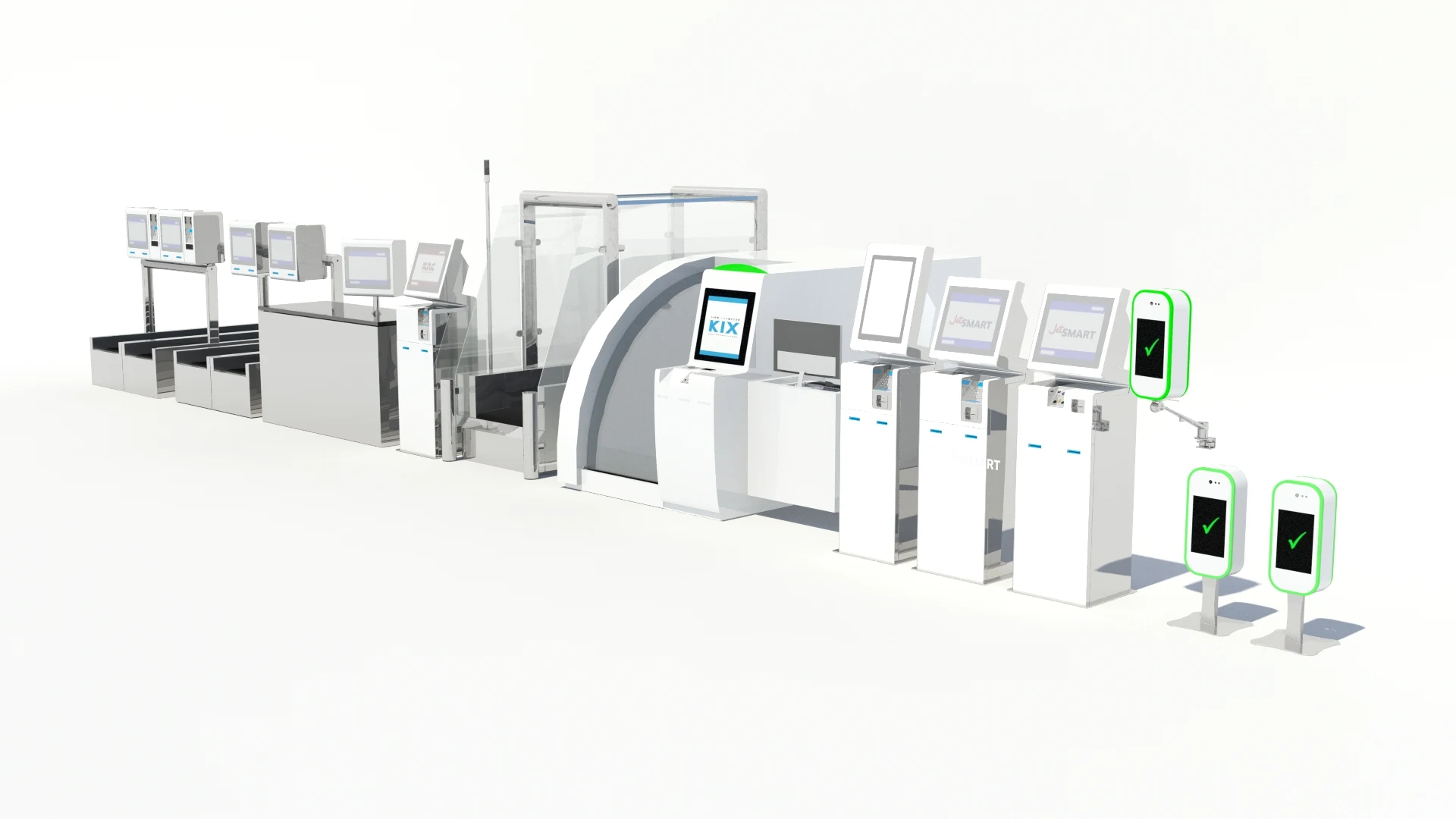
The archive spans freestanding kiosks, bag-drop units, scanners and biometric devices. Each model gives us control over the angle, lighting and movement needed to explain a particular action.
Our role was to model, animate and visualise the equipment and its use.
03 / Airport configuration visualisations
See how the equipment belongs in the terminal.
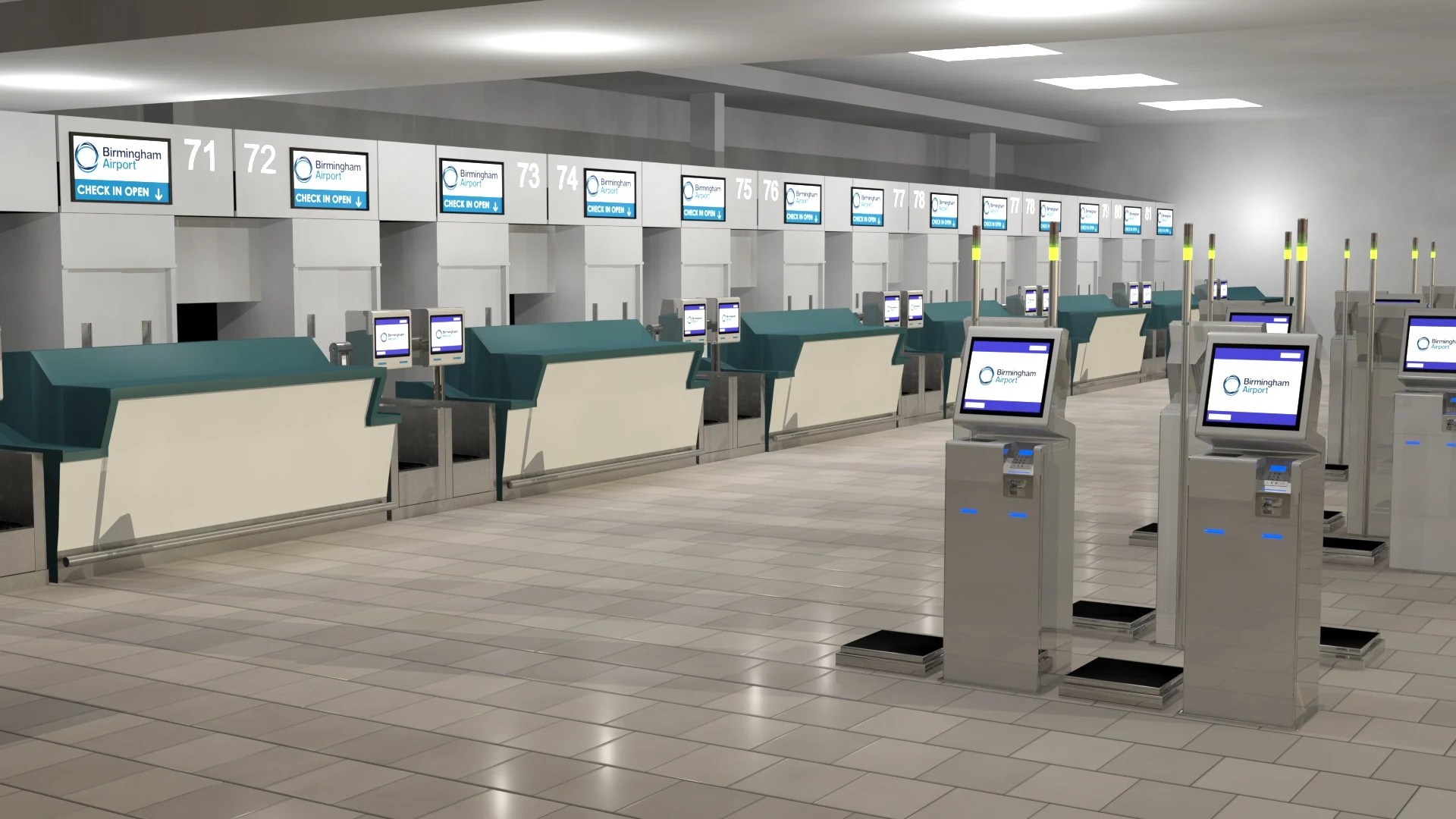
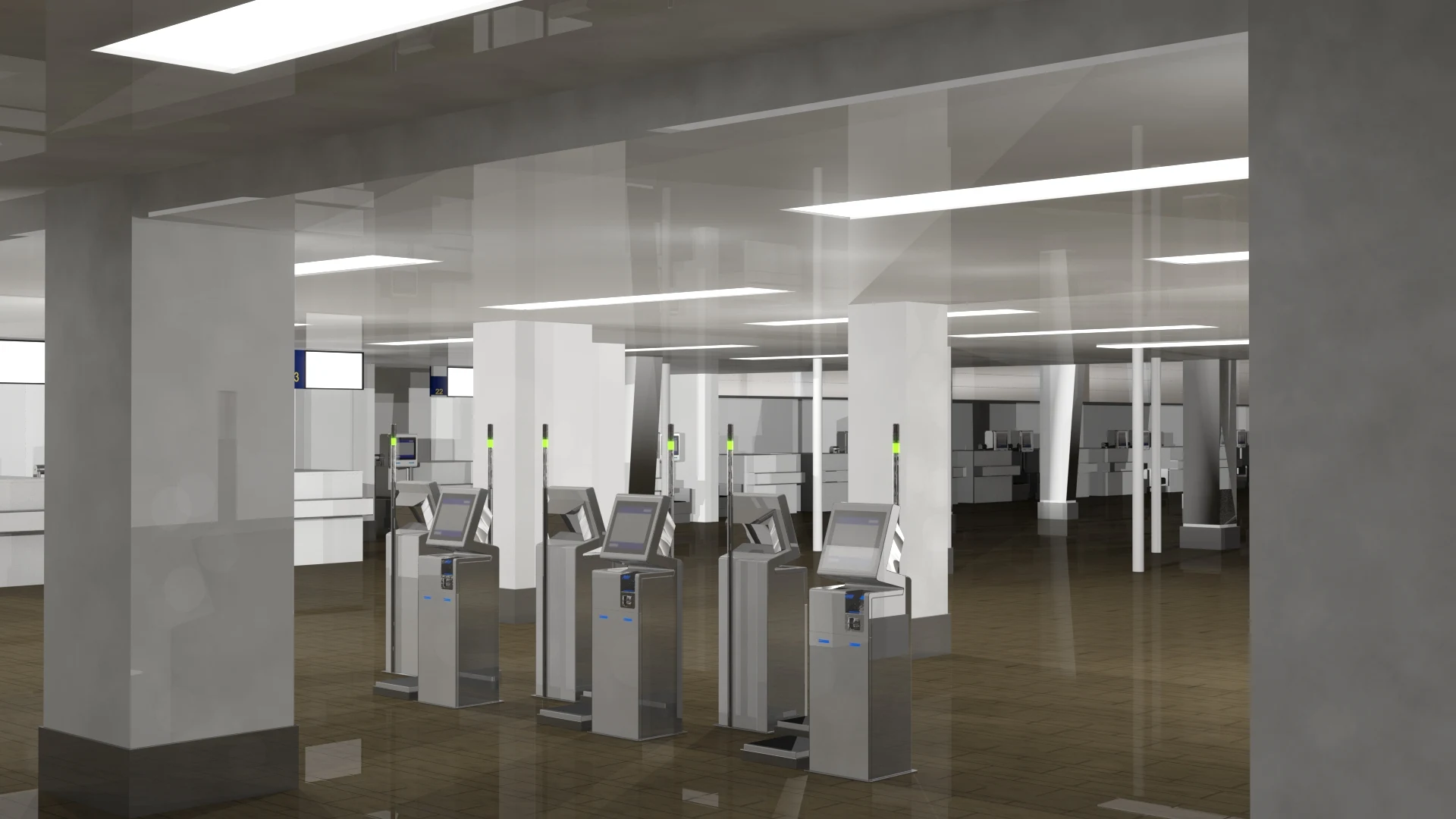
We also modelled existing airport environments and placed different kiosk configurations within them. Counters, finishes, lighting and surrounding architecture provided the context for reviewing the proposals.
The result was a view of the whole arrangement: how individual units related to the desks, the building and one another.
The images below are 3D configuration visualisations, not photographs of completed installations.




04 / Hong Kong
From a row of counters to the tag on a bag.
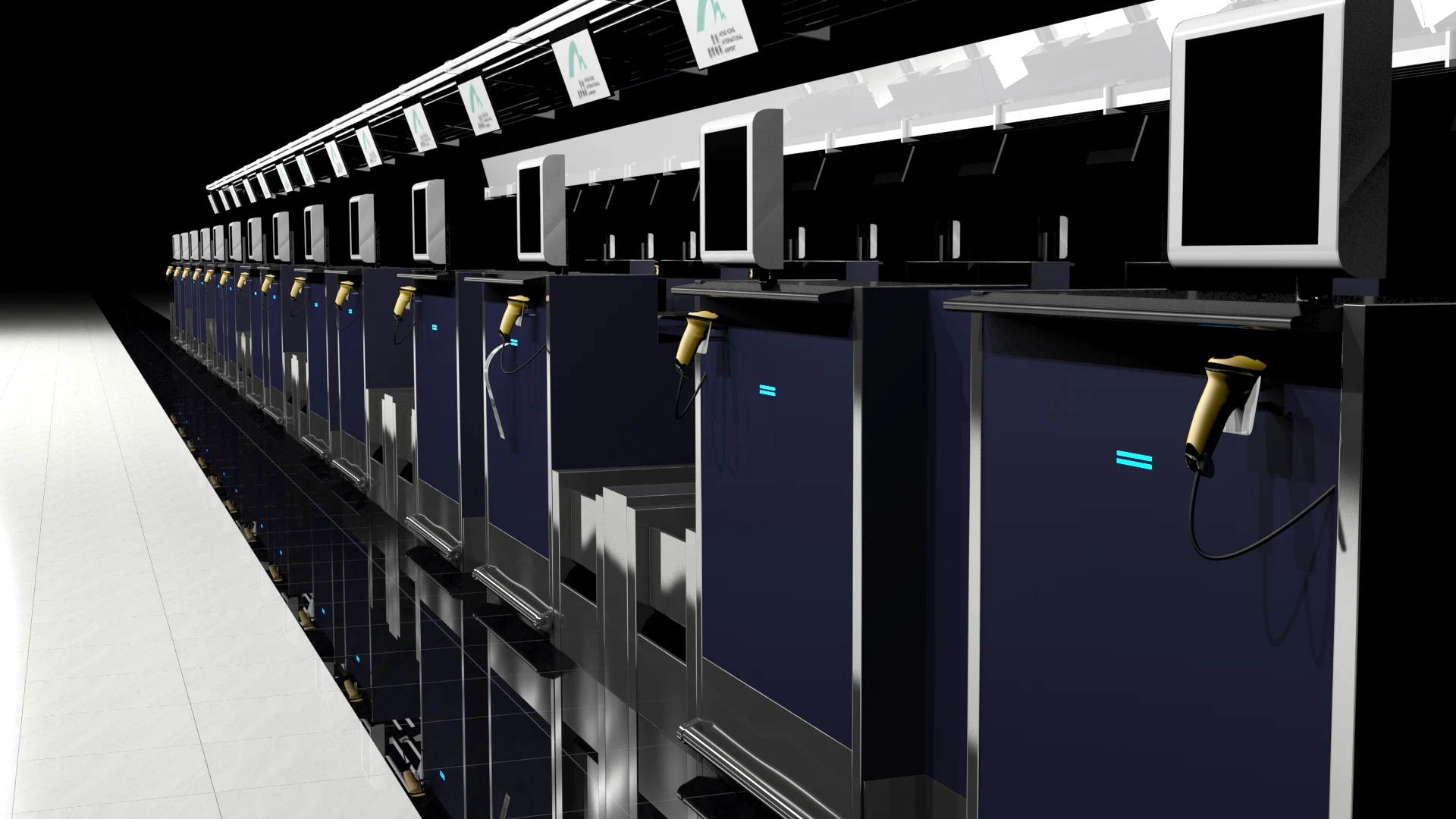
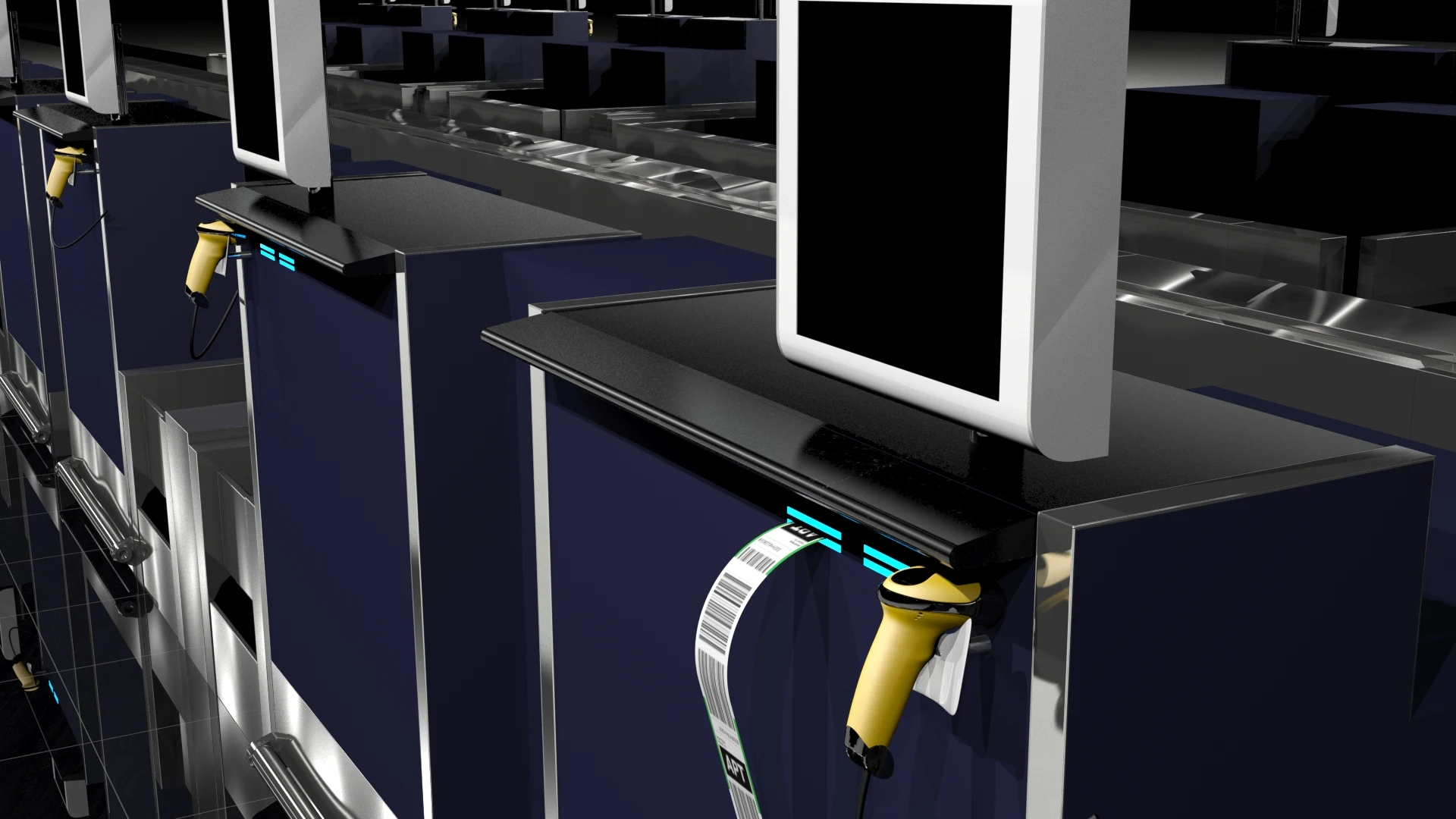
Hong Kong brings the two sides of the brief together. Terminal views show the configuration at scale. Instructional animations move in close to show the individual passenger action.
It is the same physical world, presented differently for the person who needs to understand it.
05 / Building the scene
A terminal is more than a background.
Recreating the environment means building a scene that can be viewed from different positions, with equipment arranged within it. That makes it possible to communicate the configuration as a coherent place.
The Southend working scene shows this process directly: a modelled check-in environment, populated with the kiosk layout.

The bigger picture
A specialist brief with an international audience.
This project brought together product modelling, character animation, process explanation and airport visualisation. Each element served a practical purpose, from communicating a proposed layout to helping a passenger take the next step.
For IMStudios, it demonstrates how carefully constructed 3D work can make complex systems easier to understand.
Your next project
From products and processes to the places they belong, let’s talk about what 3D can help you show.
Start a conversation ↗